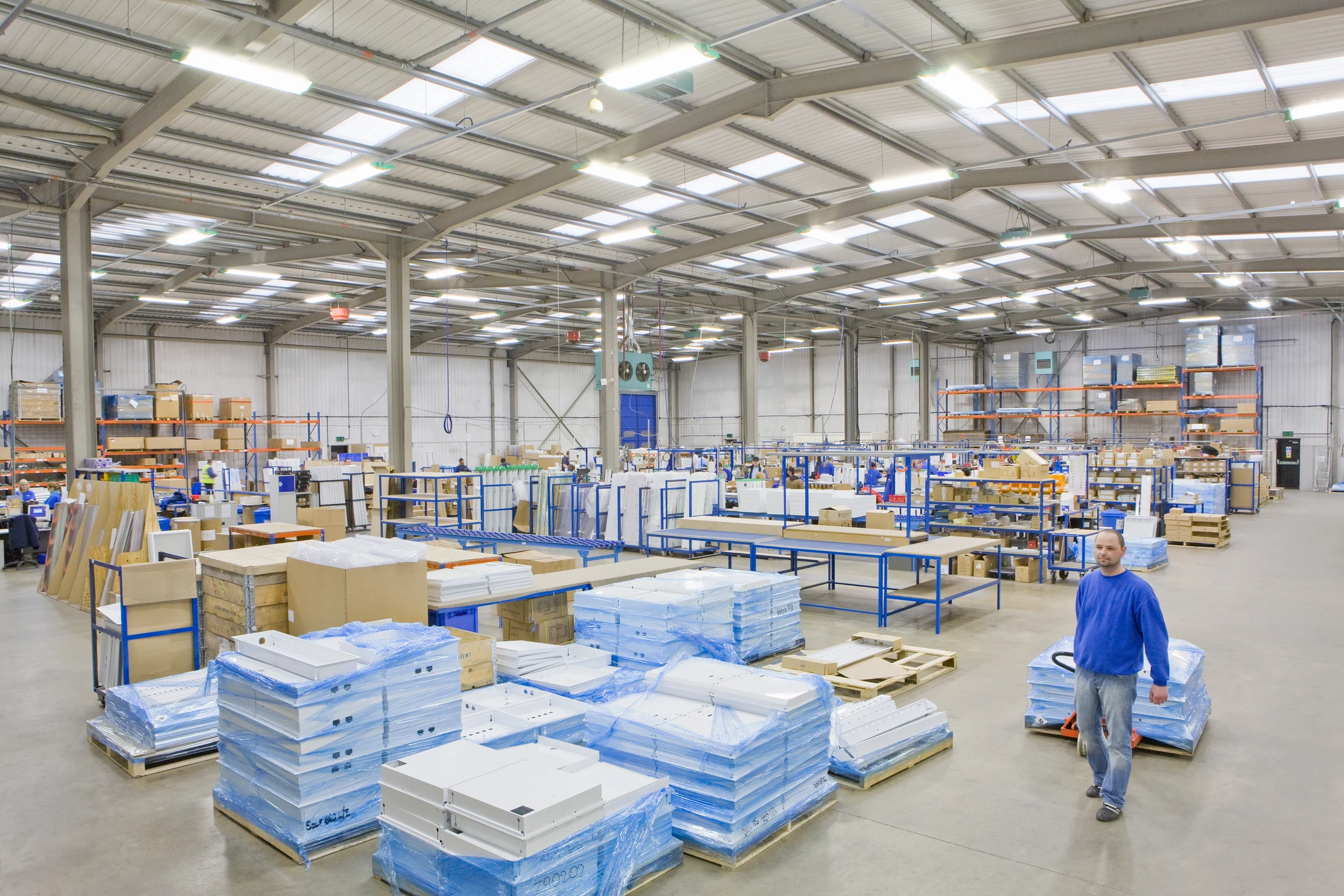
Branch administration
Reach the Windows applications configured for back-office work from an assigned terminal. Keep stock, reporting and supporting tools in the host’s working environment.
Reach planning, stock and office applications on your existing Windows workstations from branches, depots and distribution offices. Remotle gives people access from supported laptops or dedicated terminals, with workstation assignment built in.1
Branch and depot teams may need the same configured Windows applications at several desks. Keep those applications on the workstation and use another device as the route into the desktop.
The host retains its existing system connections and permissions. For a fixed office desk, a suitable PC or Mac can become a dedicated Remotle terminal; mobile roles can use the client app.
Reach the Windows applications configured for back-office work from an assigned terminal. Keep stock, reporting and supporting tools in the host’s working environment.
Use the workstation’s planning applications and reference documents from another depot or office. Evaluate the required screen layout and local network together.
Let different authorised users sign in at a shared Remotle zero client. Their assigned workstations appear by name after sign-in.
Choose the remote setup around the back-office role and the equipment at each location.
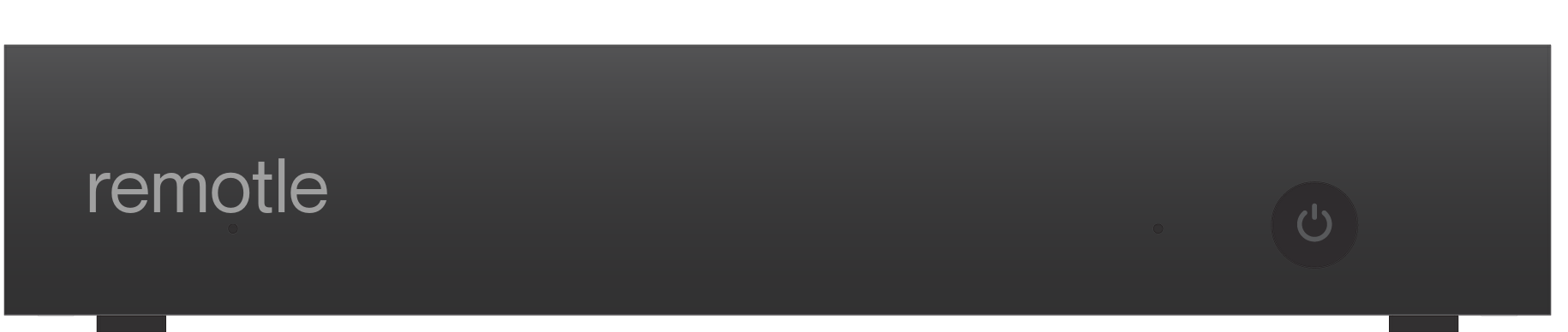
Reuse a suitable computer as a Remotle zero client, or choose a dedicated Remotle device. Keep the back-office applications on the assigned workstation and make the endpoint part of the pilot.
Remote desktop, connection broker and zero client mode, together. Compare the whole route from the Windows workstation to the desk, including the client device and the people who use it.
Start with the office role, host applications and local desk equipment used at a representative location.
1 Performance depends on the workstation, the client device and its displays, and the network connection.
2 Applications run on the Windows host. Check software requirements and remote-use licensing for your intended deployment.
3 4:4:4 colour depends on the workstation graphics card and the client device. HDR10 needs an HDR monitor and a client device that supports HDR.
4 Resolution, frame rate and the number of monitors depend on the workstation graphics card, the client device and its displays, and the network connection. Picture quality and frame rate adjust to the bandwidth available.