Design & document
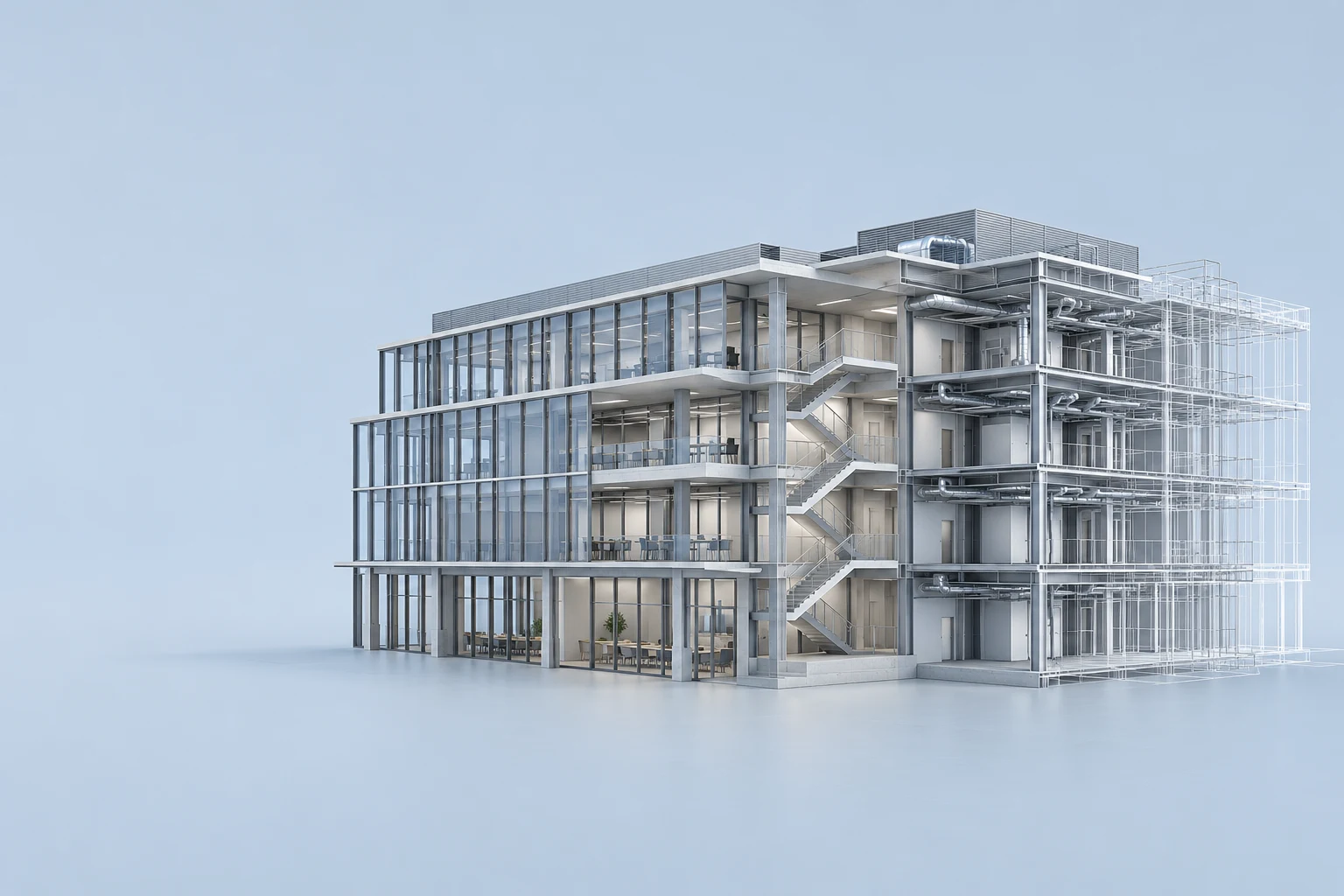
Work in the model, produce the drawing set and keep your linked files in their usual location.
Revit · AutoCAD · RhinoRemote access for architecture, engineering and construction. Keep your models, software and GPU on the workstation you already own. Remotle brings that desktop to your laptop, Mac or iPad, wherever the project takes you.3
A large BIM model doesn’t need a second home on every laptop.
Revit, your linked files and your project storage stay where they already run. Remotle sends the workstation’s screen to you and sends your keyboard, mouse and pen input back. You work in the same Windows desktop, using its GPU, memory and installed applications.
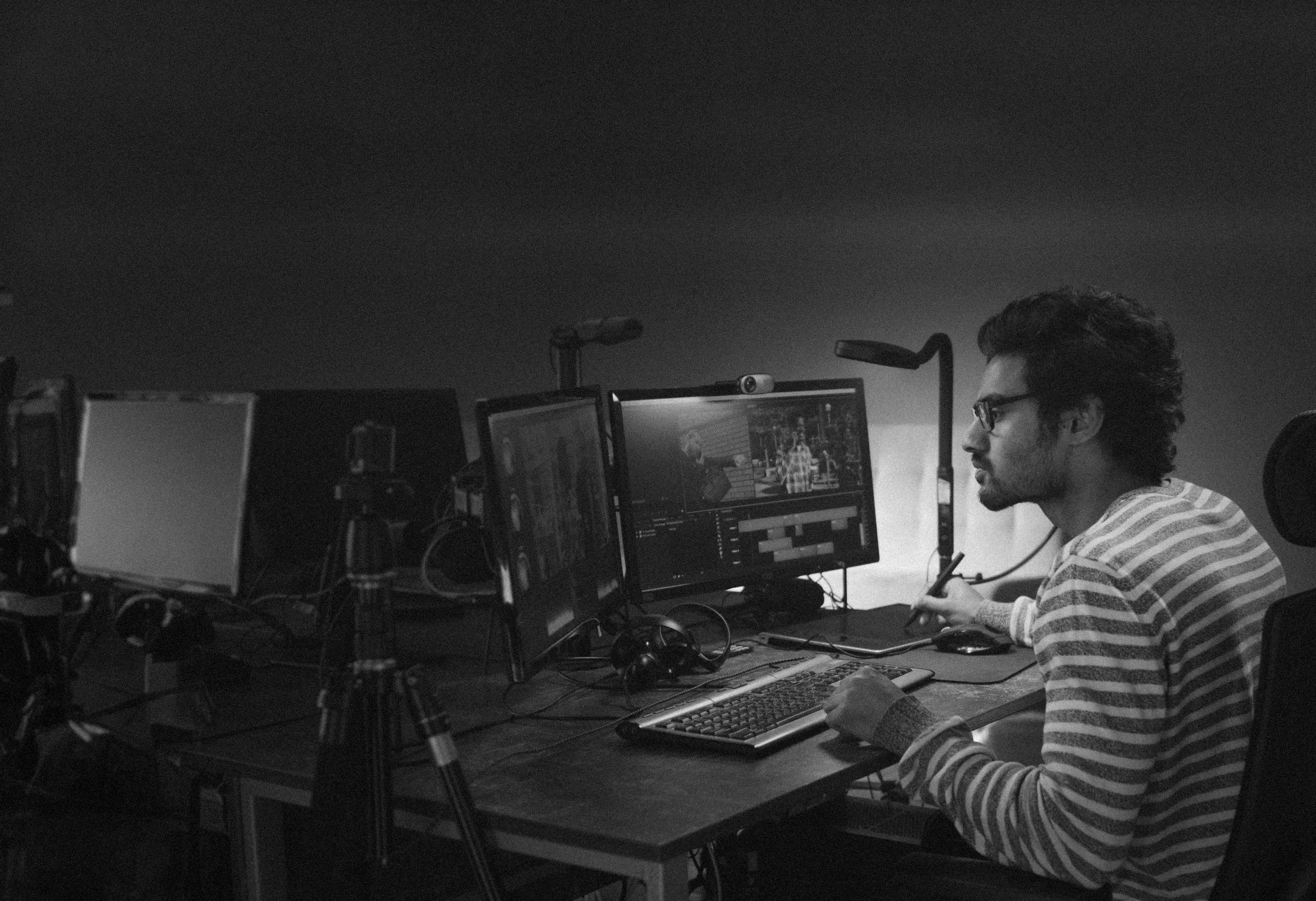
How Remotle connectsA full drawing set on one screen, the model on another. Use a PC, Mac or dedicated Remotle terminal to connect to the Windows workstation that runs your project.
Keep the GPU workstation in the office or machine room. Give people an assigned desktop in the Remotle console.
Build a simpler studio deskOpen the Revit model on the office workstation from your Mac or Windows laptop. Your linked models, plug-ins and project storage stay in the same working environment.
Disconnect at the end of the day and the workstation keeps running. Reconnect later and pick up the session you left open.
See the supported devicesUse a laptop or iPad to reach the office workstation during a site or client meeting. Open the coordination model in its installed application and navigate to the detail being discussed.
Remotle adjusts picture quality to the available connection. Test the site’s Wi-Fi or mobile connection before relying on it for a review.
See how the connection worksPlans, sections and coloured services need more than a recognisable picture. Keep the detail and the desktop layout your team works with.
Remote access to your installed Windows applications.4 Your templates, plug-ins and project locations stay part of the same desktop.
Work in the model, produce the drawing set and keep your linked files in their usual location.
Revit · AutoCAD · RhinoOpen the coordination model during a project meeting. Review geometry and drawings on the workstation that already has the software.
Navisworks · Solibri · BluebeamUse the graphics card in the office to run the scene. Control the view and show the result from the device in front of you.
Enscape · Twinmotion · V-RayThe same remote desktop, on a dedicated terminal.
Turn a Windows PC or Mac into a Remotle zero client. Enrol it with a short code and it starts straight into Remotle, ready for people to sign in and reach their assigned workstation. Kiosk mode is included in the Remotle licence.
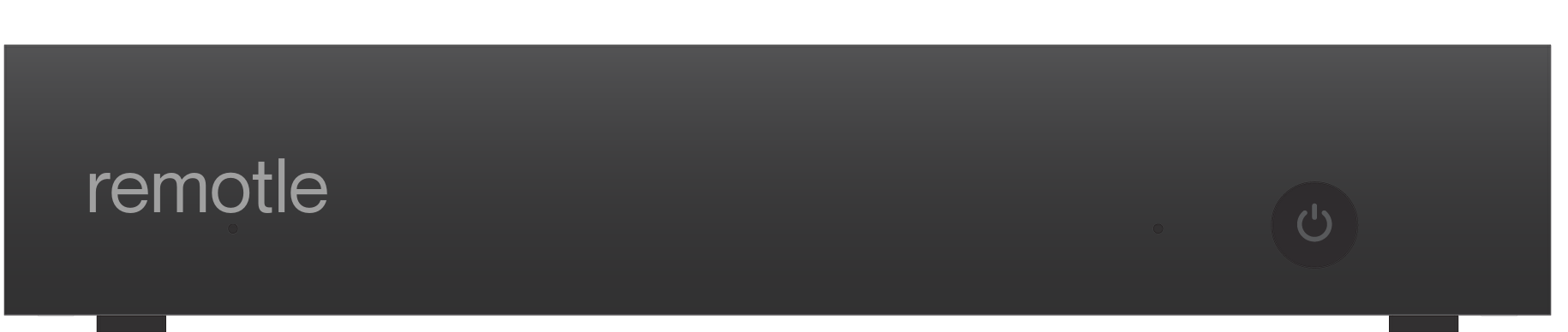
Or choose the Remotle device: a small terminal running Remotle OS, with support for two 4K monitors. The project work stays on the workstation.
One product to take from the workstation to the desk.
If your practice is reviewing Leostream, Parsec, Teradici / HP Anyware or Mechdyne TGX, look at the whole setup: how people find their machine, how the picture reaches them and what sits on their desk.
Remotle has the connection broker, remote desktop and kiosk mode built in. People sign in and choose their assigned workstation. Hosts connect outbound, with direct connections where possible and relay fallback when needed.
Compare the full setupChoose a workstation and a project. Check the picture, the peripherals and the connection your team will actually use, before planning a wider rollout.
For your IT team: read about security1 4:4:4 colour depends on the workstation graphics card and the client device. HDR10 needs an HDR monitor and a client device that supports HDR.
2 Resolution, frame rate and the number of monitors depend on the workstation graphics card, the client device and its displays, and the network connection. Picture quality and frame rate adjust to the bandwidth available.
3 Performance depends on the workstation, the client device and its displays, and the network connection.
4 Use the Windows applications licensed for your workstation. Application requirements and remote-use licensing still apply.
Autodesk, Revit, AutoCAD, Navisworks, Rhino, Solibri, Bluebeam, Enscape, Twinmotion, V-Ray, Microsoft, Windows, Apple, Mac, iPad, SpaceMouse, Leostream, Parsec, Teradici, HP Anyware, Mechdyne TGX, IGEL, Dell Wyse ThinOS and Stratodesk are trademarks or registered trademarks of their respective owners. Remotle is not affiliated with, sponsored by or endorsed by them.