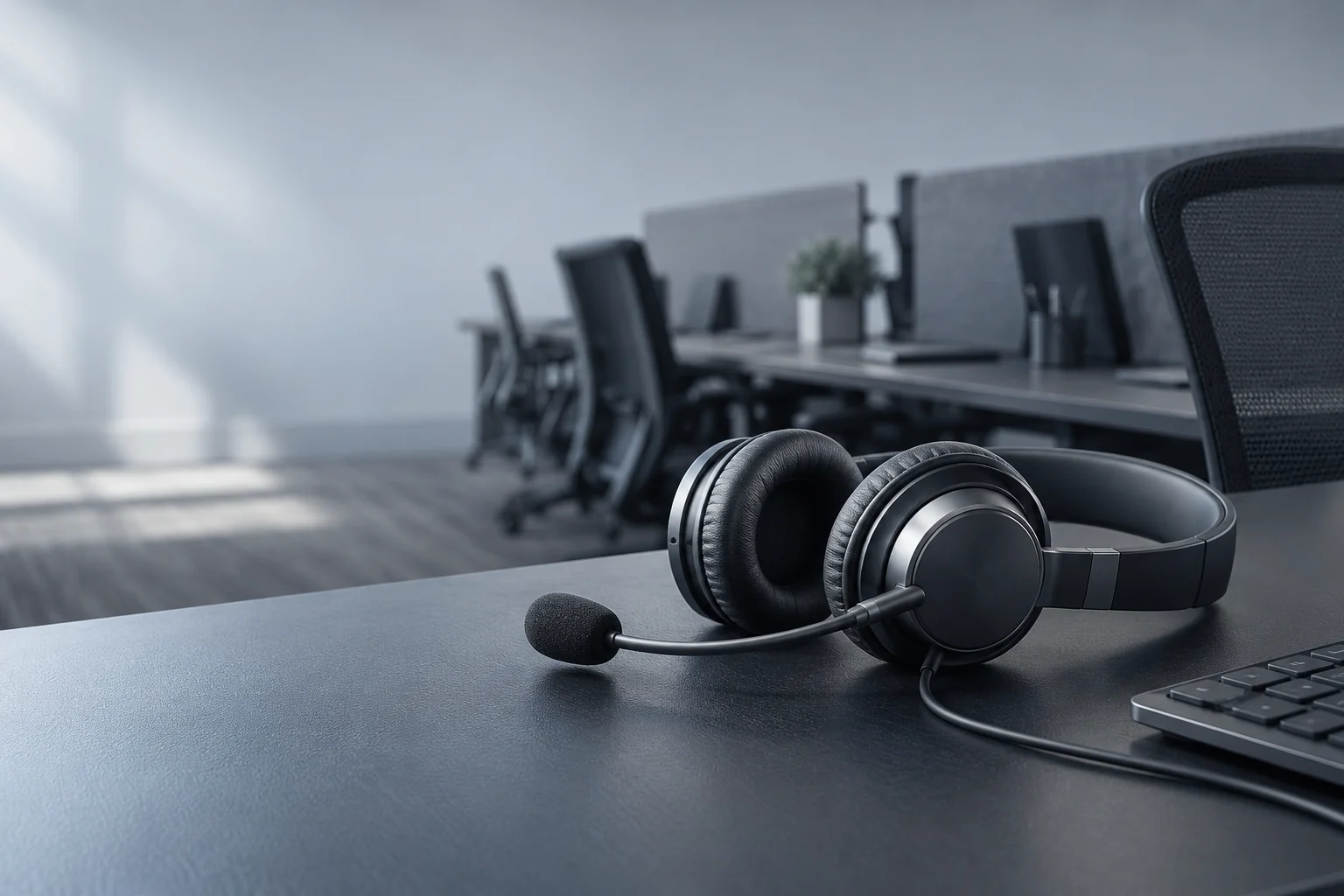
Shared office desks
Turn a suitable existing PC or Mac into a Remotle zero client. An agent signs in and connects to their assigned Windows workstation at the start of the shift.
Give agents a consistent route to the Windows applications on their assigned workstations. Remotle combines remote desktop, the connection broker and zero client mode for office terminals and supported home devices.1
The person at a contact-centre desk needs their configured applications, not a different local setup each time they move. Sign in to Remotle and choose an assigned workstation by name.
Use dedicated terminals for shared office desks and the client app for approved home devices. Include the actual calling software, headset and audio path in a pilot before choosing the setup for agents.
Turn a suitable existing PC or Mac into a Remotle zero client. An agent signs in and connects to their assigned Windows workstation at the start of the shift.
Use a supported client device to reach the same configured desktop from home. Test the real network, audio route and customer-service applications together.
Assign access to workstations through the Remotle console. Keep the CRM, browser configuration and application permissions managed on the Windows host.
A contact-centre pilot needs to include a real conversation workflow, not just a picture of the desktop.
An existing PC or Mac can start directly into Remotle kiosk mode. The Windows host runs the agent applications, while the terminal supplies the screen and peripherals. The broker and kiosk mode are included.
Remote desktop, connection broker and zero client mode, together. Compare the whole route from the Windows workstation to the desk, including the client device and the people who use it.
Pilot with the actual agent software, headset and network arrangement at both the office and home desk.
1 Performance depends on the workstation, the client device and its displays, and the network connection.
2 Applications run on the Windows host. Check software requirements and remote-use licensing for your intended deployment.
3 4:4:4 colour depends on the workstation graphics card and the client device. HDR10 needs an HDR monitor and a client device that supports HDR.
4 Resolution, frame rate and the number of monitors depend on the workstation graphics card, the client device and its displays, and the network connection. Picture quality and frame rate adjust to the bandwidth available.