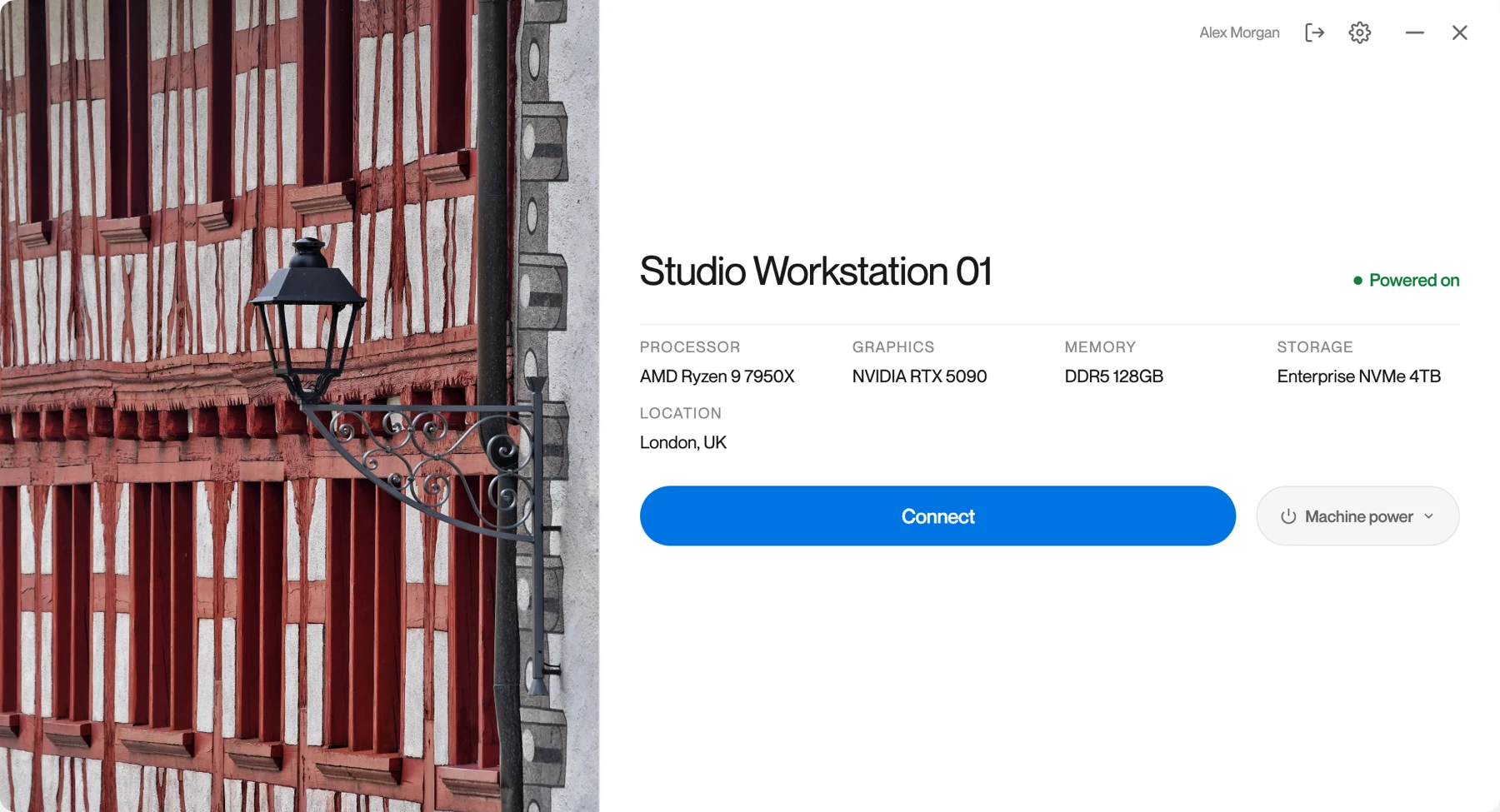
Your workstation,
on any screen.
Low-latency remote desktop1 to the workstations you already own, on every monitor and in full colour. Connection broker included, with no VPN or inbound ports to open.
Up and running
in three steps
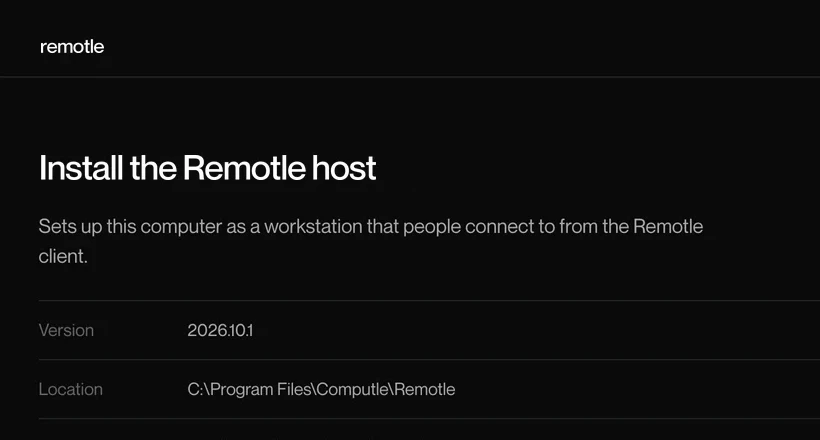
Step one
Install Remotle on the workstation
It connects out to the service, so nothing opens on your firewall.
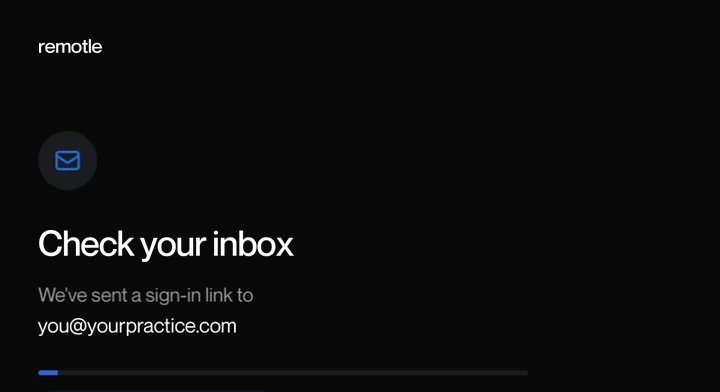
Step two
Sign in with Microsoft or email
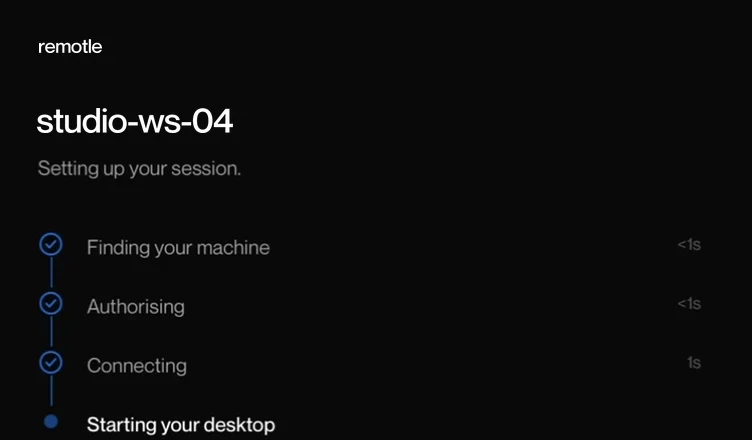
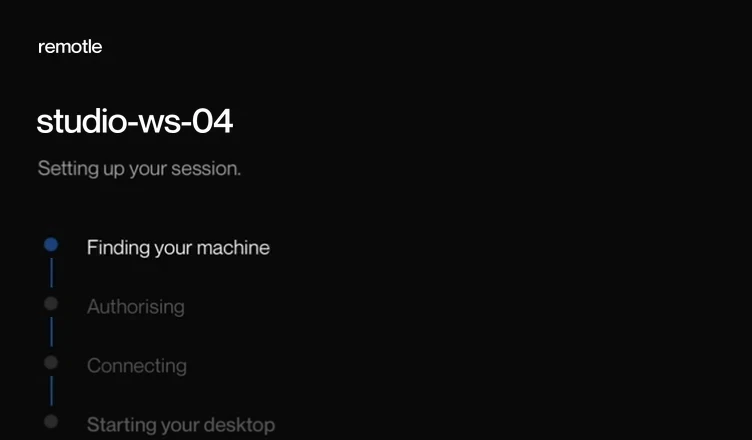
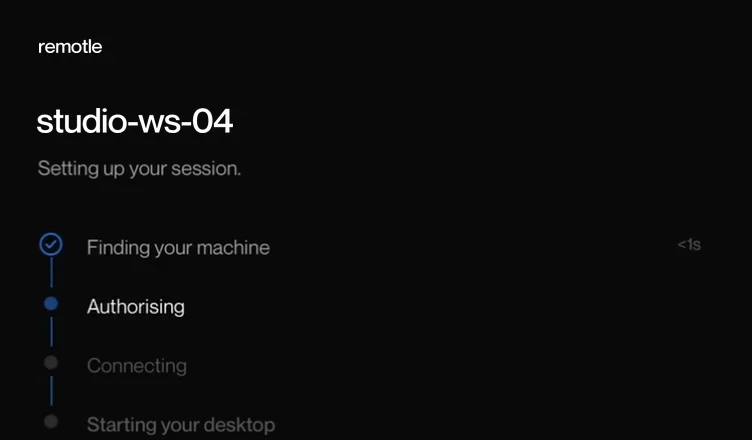
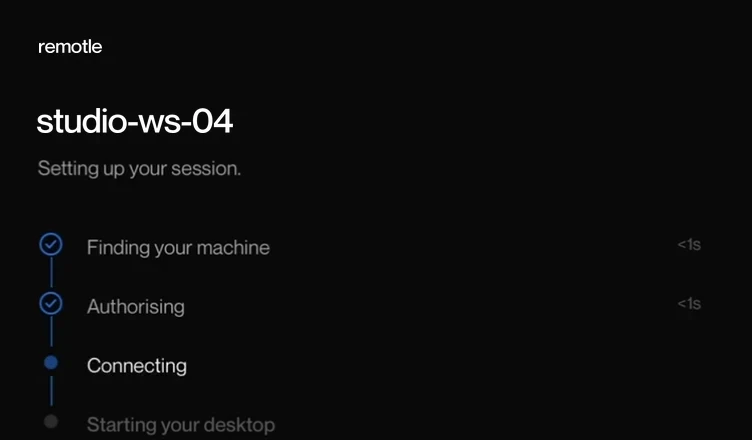
On your laptop, iPad or terminal. Your workstations appear by name.
Step three
Connect to your own desktop
Windows signs you in as you, on every monitor and in full colour.
Apps for Windows, Mac, iPad and Linux.
Start free trialYour workstation.
The device you use.
Run the host on Windows 11 or a supported Linux workstation. Connect from Windows, an Apple silicon Mac, Linux, iPad or iPhone.
Check the host graphics, client hardware and support for the screens and peripherals you use.
Industries
Your applications. Your workstations. Remote access built around the work you do.
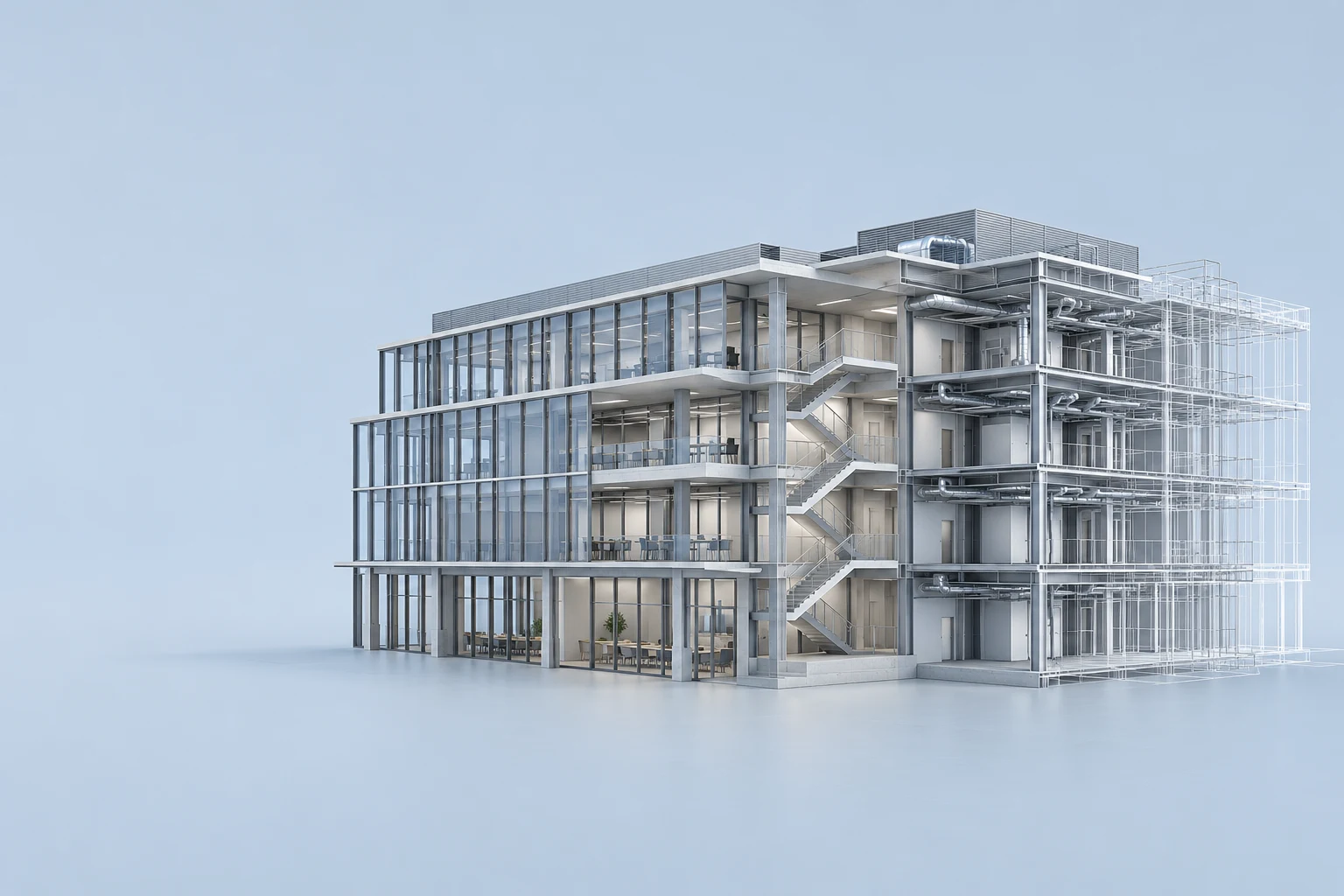
Architecture, engineering and construction
Keep BIM models, CAD software and the GPU in the studio. Bring the same workstation home or onto site.
Explore AEC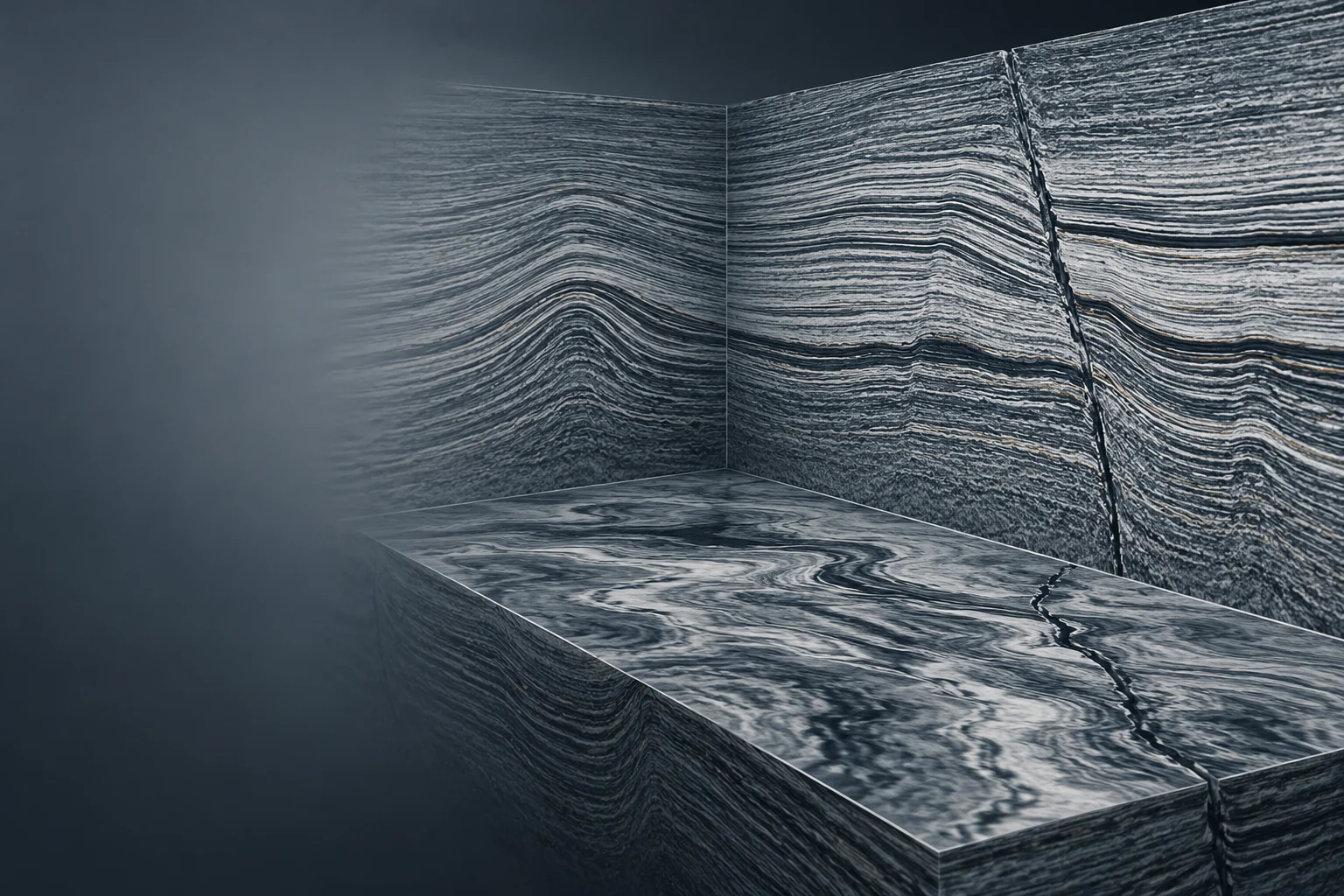
Oil and gas
Keep seismic datasets, subsurface models and interpretation software on the workstation. Reach that desktop from another office or your laptop.
Explore Oil and gas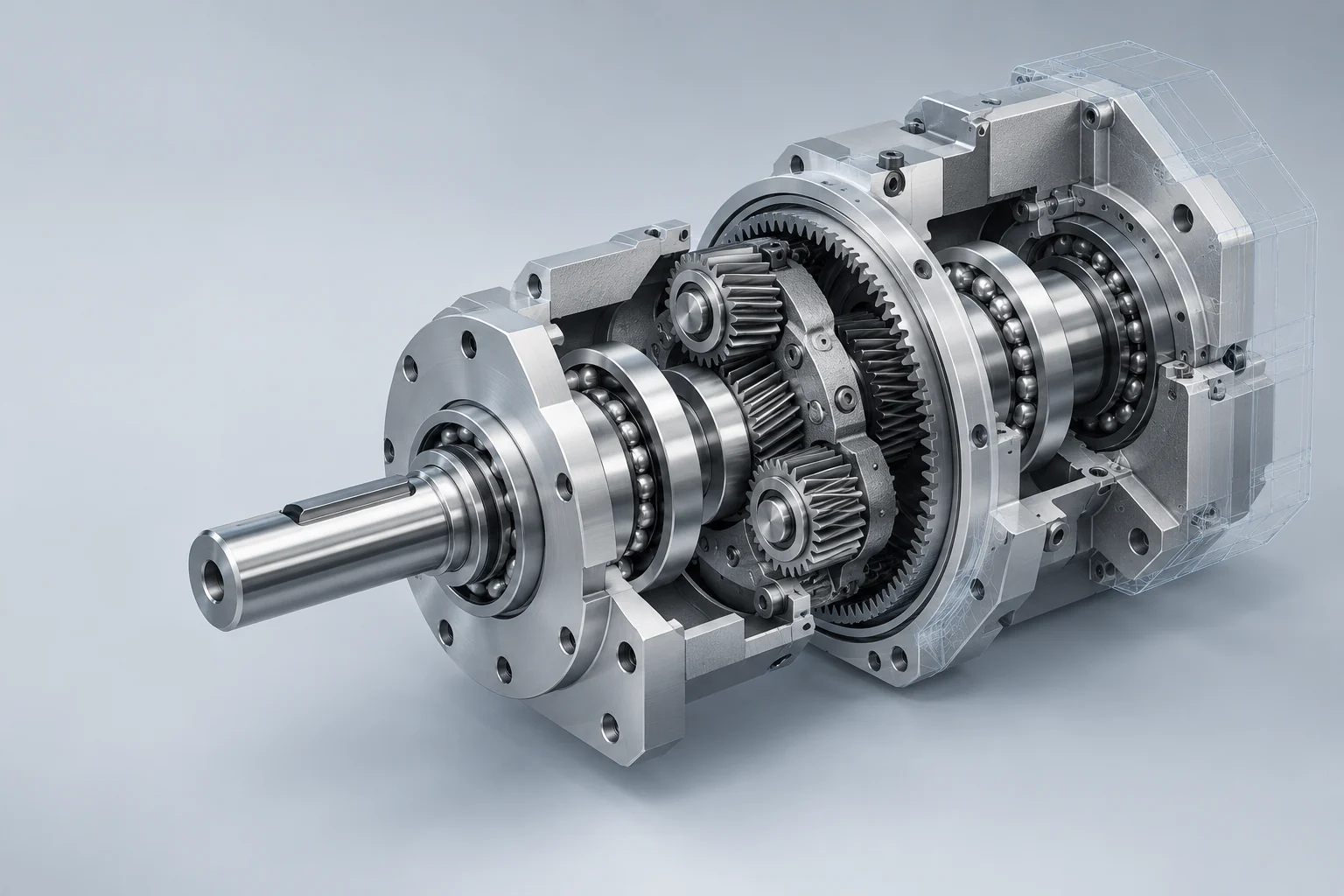
Product design and manufacturing
Work with CAD assemblies on your own workstation, with the SpaceMouse, pen tablet and screens at your desk.
Explore Product design and manufacturing
Media and entertainment
Reach the editing and visualisation tools on your studio workstation, with full colour across multiple displays.
Explore Media and entertainment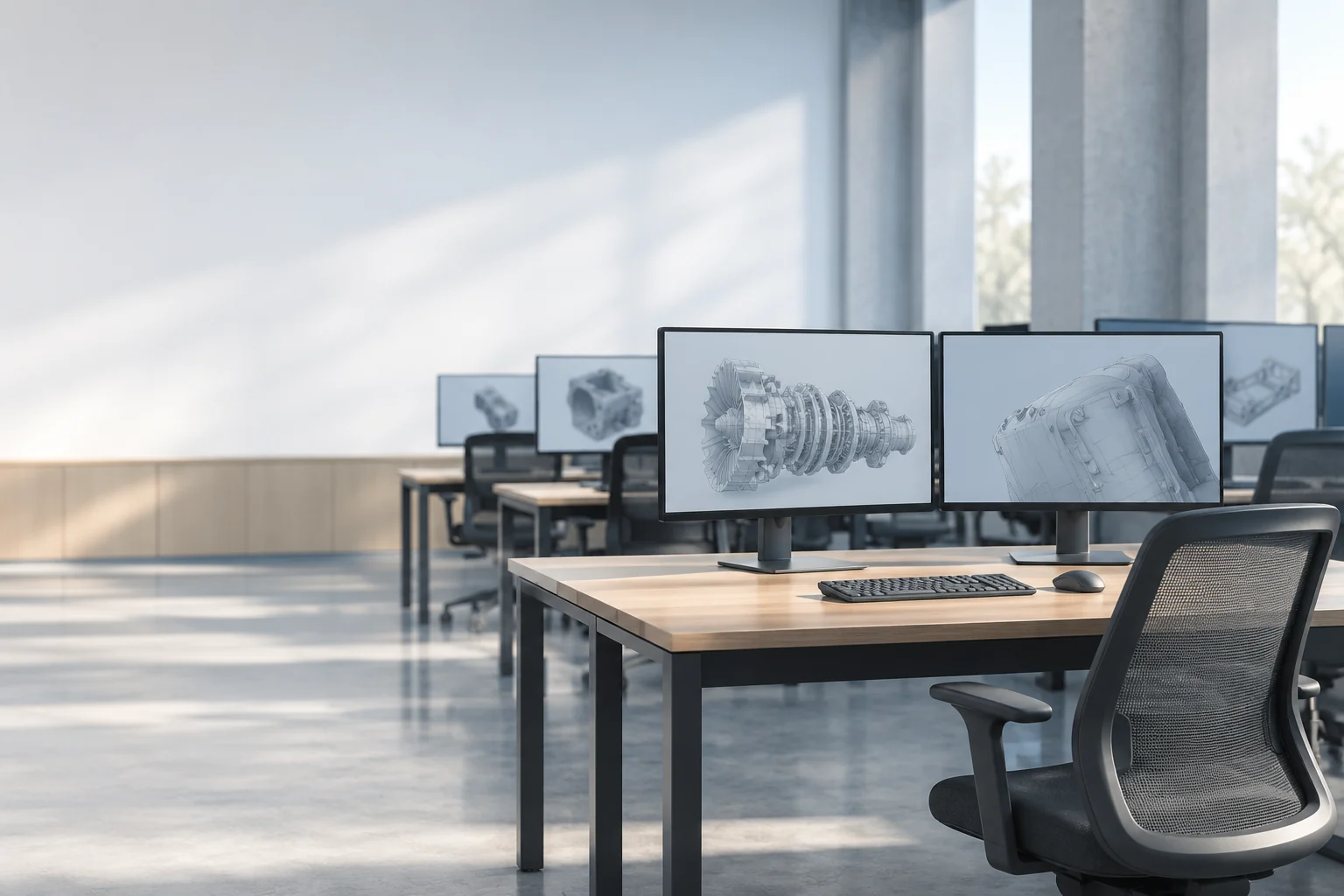
Education and training
Make specialist Windows workstations available from shared desks, existing laptops and dedicated terminals.
Explore Education and training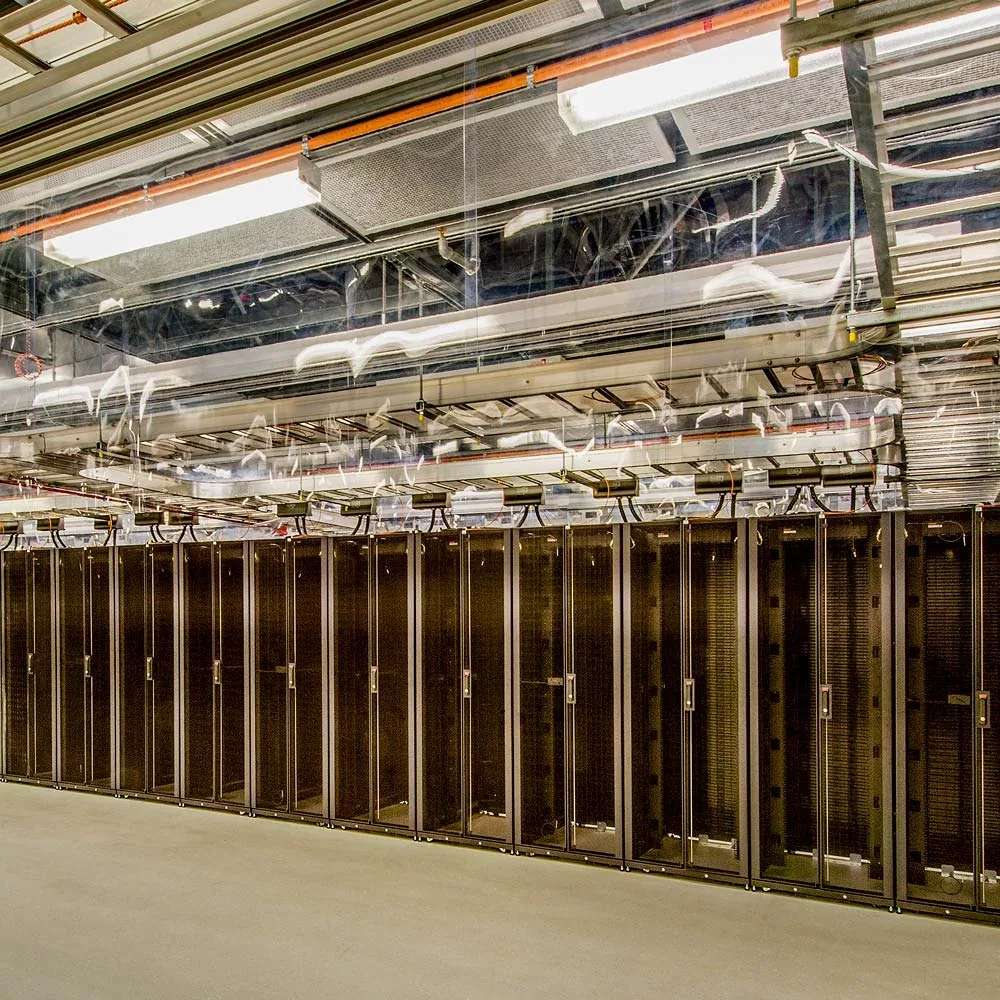
IT and managed services
Assign people to workstations, manage access and enrol zero clients, with the connection broker built in.
Explore IT and managed services
Automotive and motorsport
Access CAD, simulation and vehicle visualisation on the engineering workstation, from the design office or a different location.
Explore Automotive and motorsport
Aerospace and defence
Keep design applications and project files on your own workstations. Assign remote access to the people working on each project.
Explore Aerospace and defence
Energy and utilities
Reach engineering models, mapping tools and planning applications on your office workstation from another desk or a project office.
Explore Energy and utilities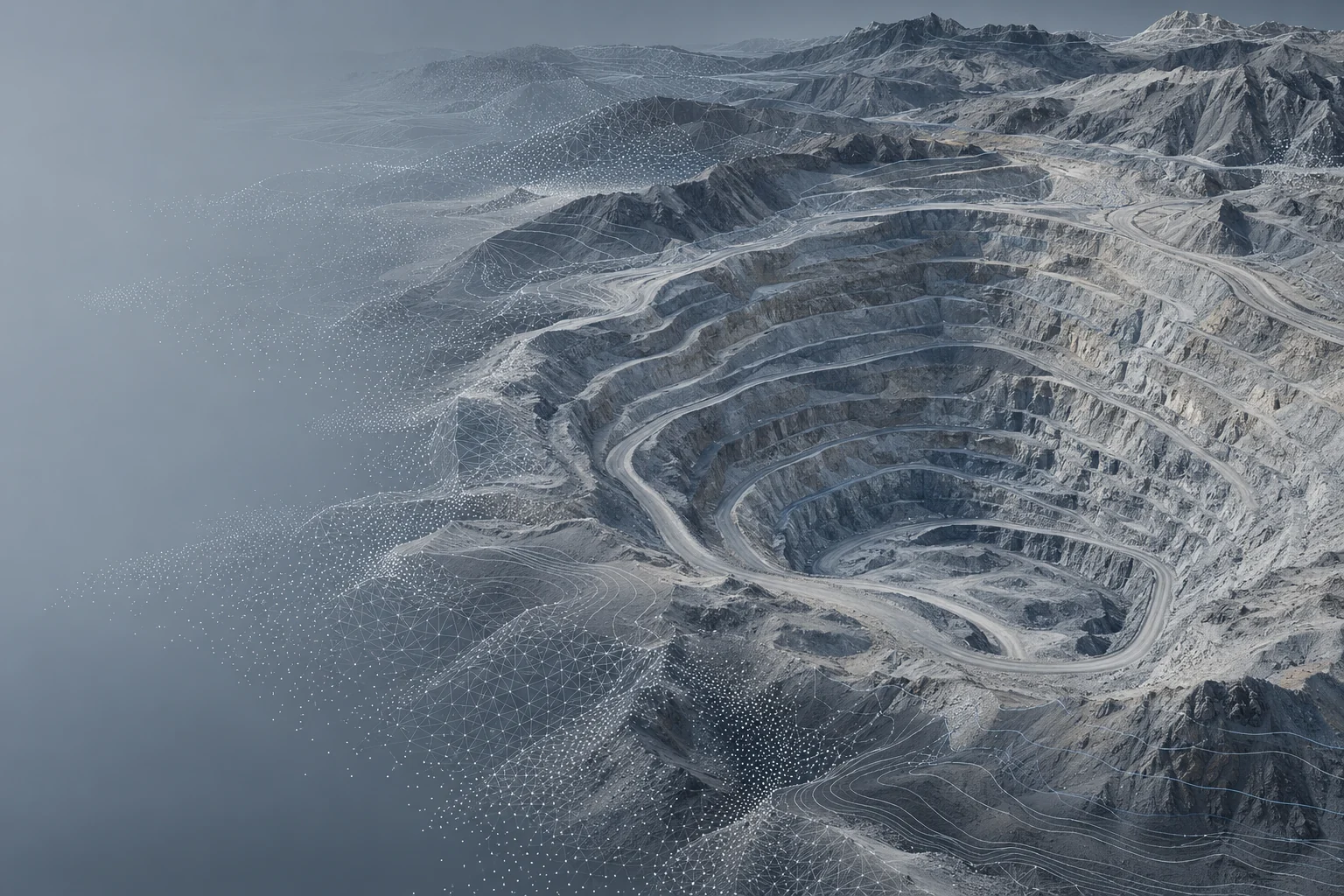
Mining and geospatial
Work with large terrain models, surveys and GIS datasets where they already live, using the workstation’s graphics and memory.
Explore Mining and geospatial
Software development
Keep your IDE, build tools and development environment on one Windows workstation. Reconnect from the laptop in front of you.
Explore Software development
Games development
Reach your game engine, art tools and project workspace on the studio machine, using its GPU from your remote desktop.
Explore Games development
Finance and banking
Bring the same analytical applications, spreadsheets and multi-monitor desktop to a different desk, without setting up a second workstation.
Explore Finance and banking
Healthcare and life sciences
Give research and administrative teams remote access to their Windows applications, from shared terminals or existing laptops.
Explore Healthcare and life sciences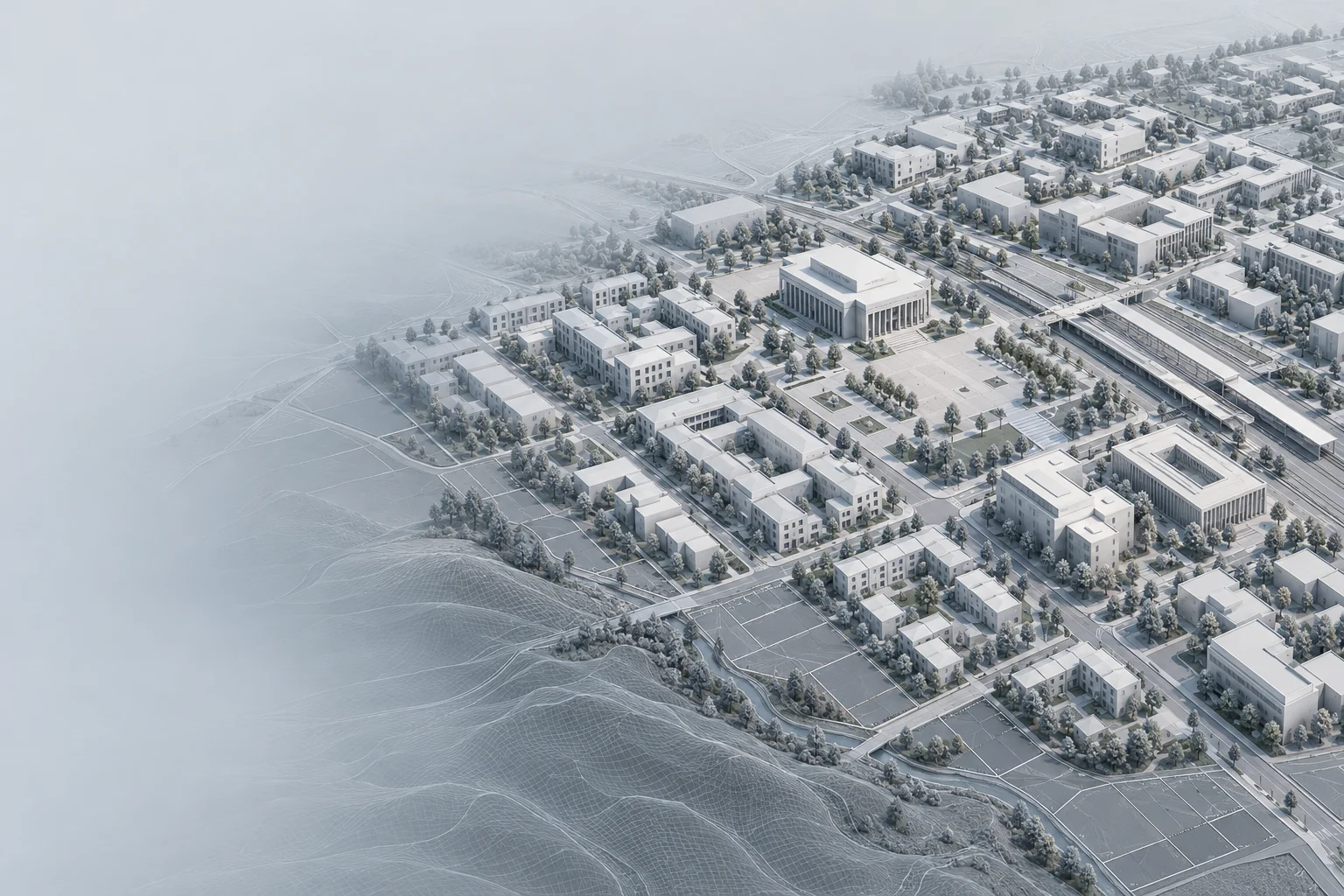
Government and public services
Connect staff to assigned Windows desktops from offices, shared desks and home. Manage workstation access through one console.
Explore Government and public services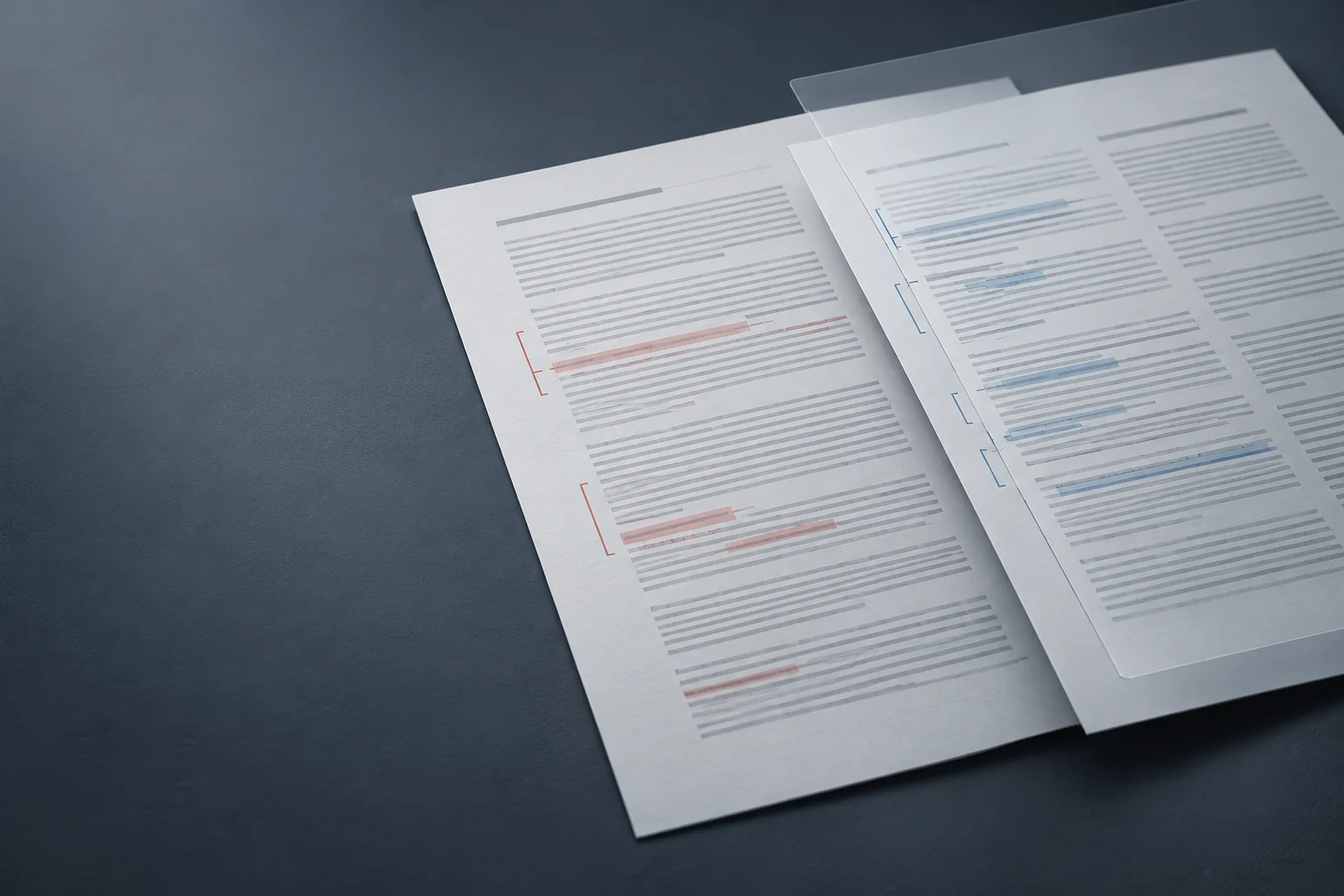
Legal and professional services
Keep case-management software, documents and office applications in the same desktop. Pick up your working session from another device.
Explore Legal and professional services
Contact centres and customer service
Give people their assigned Windows desktop on a shared terminal or home laptop, with support for their headset and everyday peripherals.
Explore Contact centres and customer service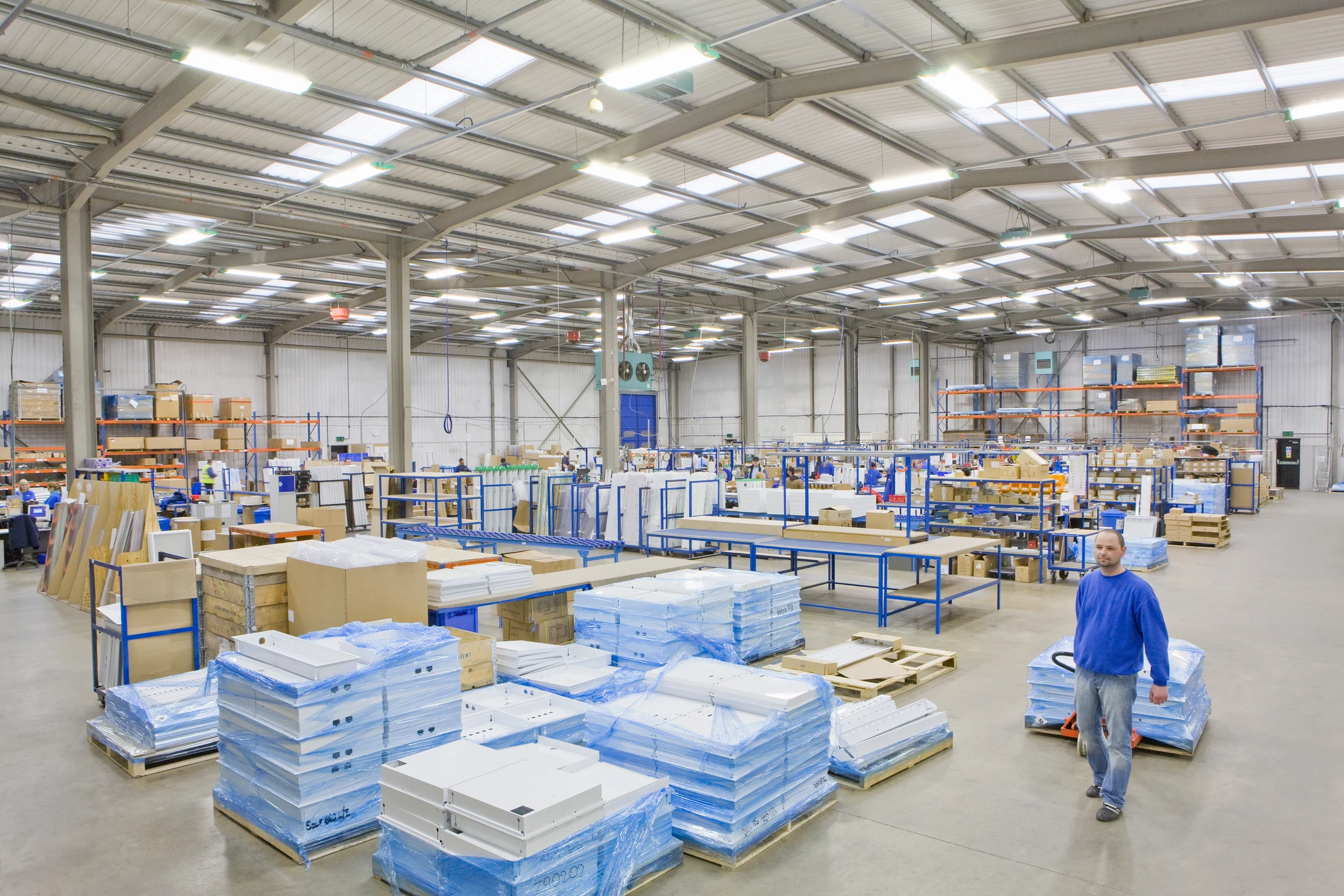
Retail, logistics and distribution
Reach planning, stock and back-office applications from shared desks across branches, depots and distribution offices.
Explore Retail, logistics and distribution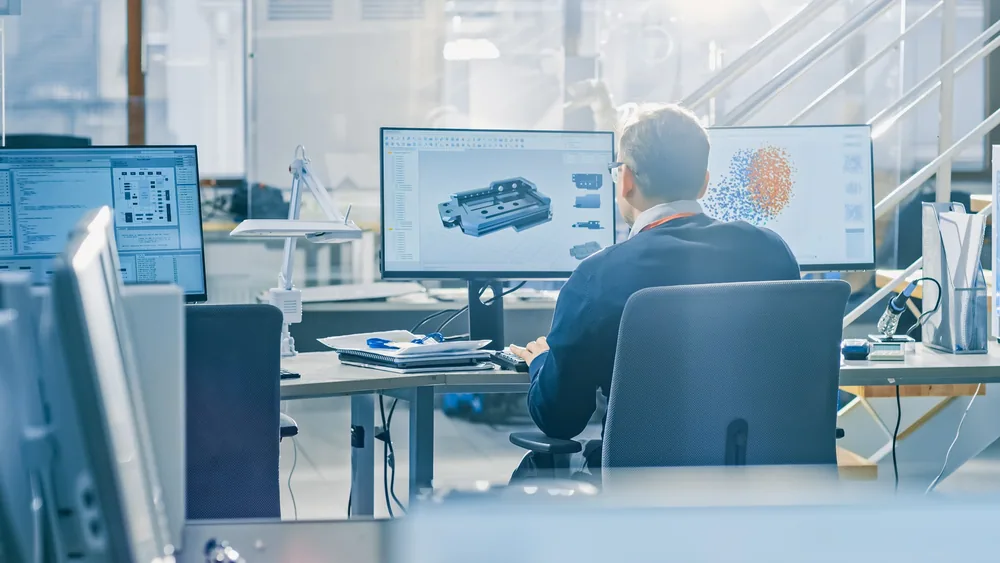
Try it on your own workstations
Start with a workstation you already own. Choose the Free plan for one user, or evaluate Remotle with your team.